Can My ISP See That I’m Using a VPN?
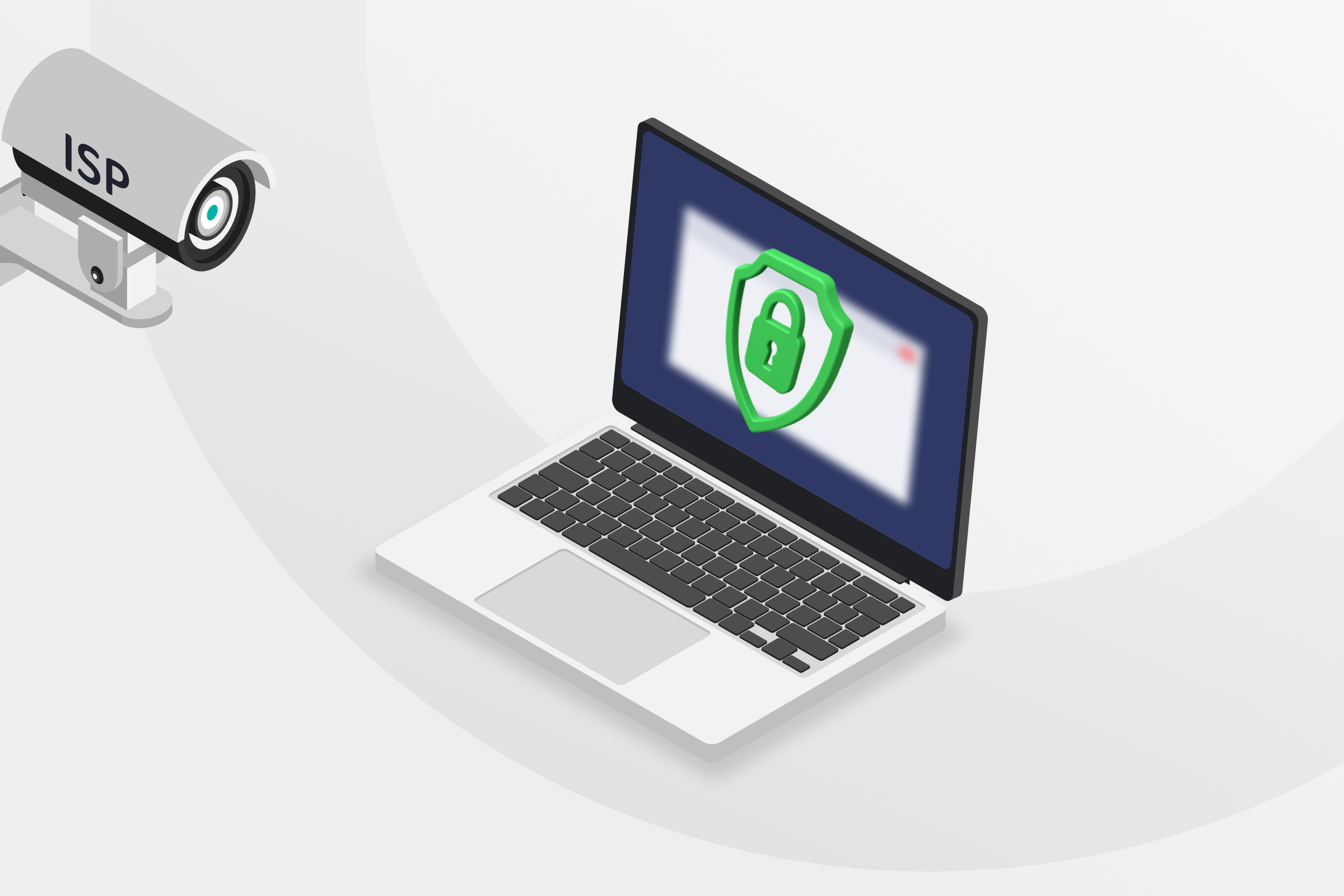
Your internet service provider (ISP) can see a lot more than you might think: from the websites you visit to the apps you use. It might use that data to manage network traffic, comply with regulations, or even pass anonymized browsing data along to advertisers.
But can your ISP see VPN usage? It depends. If you want to learn exactly where you stand with your ISP when you use a VPN, you’ve come to the right place. We’ll tell you what your ISP can and can’t see, both with and without a VPN, and how to hide your VPN usage for maximum privacy.
When you use Private Internet Access, your privacy is protected by our strict no-logs policy. We never see your online activity and will never record or share it with anyone, including your ISP.
What Can Your ISP See When You’re Online?
Your ISP acts as the main gatekeeper between you and the internet, and it can build a surprisingly detailed profile of your online behavior, from your browsing routine to your interests. Here’s what it can typically see:
- The websites you visit: Your ISP sees the domain name of every website you visit, e.g., google.com. If the site you’re browsing doesn’t have HTTPS, your ISP can even see the specific URLs and content of the pages you view.
- How long you stay on websites: By monitoring when your device connects and disconnects from certain websites, your ISP can calculate how much time you’re spending there.
- Your IP address and location: Since your ISP assigns your IP address and connects you to the internet at your physical location, it always knows these two pieces of information.
- How much data you use: Your ISP sees how much data you use and can identify traffic patterns to figure out what you’re using that data for, like uploading or downloading files, streaming, gaming, or scrolling on social media.
- The devices connected to your network: From phones to tablets, laptops, and desktop computers, your ISP can see exactly which of your devices are online and, in some exceptional cases, may even monitor activity on a per-device basis.
- Incognito mode: Private browsing mode only stops your browser from saving your history locally on your device, meaning your ISP can still see which sites you visit.
Why Your ISP Might Track Your Data
There are a couple of reasons why ISPs might track your data. Sometimes it’s to manage bandwidth and maintain network performance or monitor for illegal activity. In some cases, they’re legally required to do so.
Depending on where you live, your ISP also might log and sell anonymized browsing data to advertisers.
What a VPN Hides from Your ISP

When you use a VPN, your ISP can no longer see most of your online activity. This is because the VPN encryption shields most of your data. Here’s a more detailed breakdown of what your ISP can and can’t see when you use a VPN:
- Websites you visit: When you’re connected to a VPN, your ISP can only tell that your data is on its way to the VPN server. It can’t see where your traffic goes beyond that, including when you connect to different sites or how long you spend on them.
- Search activity: Your ISP won’t see your search terms or which search engine you’re using thanks to the VPN’s encryption. Just keep in mind that your browser may still store your searches, and search engines can log them if you’re signed in.
- Download activity: A VPN hides the content and source of your downloads. Your ISP can infer you’re downloading something based on the volume and direction of traffic, but it can’t see what or where it’s coming from.
- Private browsing: With a VPN, your ISP can’t log your browsing history.
Data Your ISP Sees with and without a VPN | ||
| Data | Without a VPN | With a VPN |
| IP address | ⚠️ Your IP address and the IP address of every website you visit | ✅ Only your IP address and the VPN server IP address |
| Downloads | ⚠️ All downloading activity, including file type, size, and download site | ✅ None |
| Browsing history | ⚠️ All websites (domains) you visit, including your incognito activity, but not specific pages if HTTPS is used | ✅ None |
| Connection timestamps | ⚠️ Full connection timestamps, including time spent on pages and time visited | ✅ Time connected to and disconnected from the VPN only |
| Data and bandwidth usage | ⚠️ All information on data and bandwidth used on each site and activity | ✅ Amount of data sent to and from your VPN’s servers only |
| Streaming habits | ⚠️ Streaming service visited, time spent, bandwidth and data used | ✅ None |
Can ISPs Detect VPN Use?
In a limited sense, yes. Your ISP can see that you are sending encrypted data to a specific IP address, and it may recognize the VPN server as belonging to a VPN provider by cross-referencing public IP address data.
VPN encryption also carries a signature pattern that your ISP may be able to detect. So even if it doesn’t recognize the server IP, it may still know you’re using a VPN.
PIA’s multi-hop feature routes your connection through a second VPN server and adds an additional layer of HTTPS encryption to your data, making it much harder to identify as VPN traffic. It gives you a choice of servers across six countries, including four locations in the US.
Do ISPs Care If You Use a VPN?
In most places in the world, ISPs don’t monitor or restrict VPN use.
What does matter to your ISP is whether it’s required by law to log your traffic and whether you might be violating its terms of service. If it needs to keep logs of your usage or it suspects a violation, your ISP may block your VPN, though this is rare.
⚠️ Note: Your ISP can block your VPN connection if VPNs are illegal in your location. Always check and follow local laws and regulations. PIA VPN’s terms of service require compliance with relevant laws.
VPN Alternatives: Quick Comparison

For most people, a VPN offers the best balance of privacy, speed, and ease of use. But there are also other options out there.
Tor
Tor (short for The Onion Router) routes traffic through several encrypted nodes, making it extremely difficult to trace. Since many Tor nodes have publicly listed IPs, ISPs can detect connections to the Tor network, but they can’t see what websites or services Tor forwards traffic to.
While Tor is a powerful tool for anonymity, it’s much slower than a VPN and can cause some websites to load incorrectly or block access altogether.
Proxy
Proxy servers offer similar functionality to a VPN, but without the encryption. A proxy routes internet traffic through a remote server, which forwards requests to the destination and relays the response back to its source.
Websites and services accessed through a proxy will see the proxy server’s IP address, but ISPs will still be able to see those websites and services unless the proxy uses encryption (e.g., HTTPS proxies). Most proxies (HTTP, SOCKS) don’t.
While proxies are useful for IP masking, they don’t offer the same privacy or security as a VPN or Tor, especially if they don’t use encryption.
For the best online privacy protection, use PIA VPN. In addition to secure encryption and IP masking, we offer a strict no-logs policy that guarantees we never monitor, store, or share browsing data.
FAQ
Can my ISP block my VPN?
Yes, ISPs can block VPNs using methods like port blocking or deep packet inspection. This is more common in countries with strict internet regulations or on networks with specific usage policies. Whether VPN use is allowed may depend on local laws and your service agreements, so it’s important to understand any rules that apply before connecting.
What can an ISP see?
Your ISP can monitor the websites you visit, the time you spend on them, the files you download, and even what you search. They can also see metadata like timestamps and data usage. Using a VPN encrypts your internet traffic and hides this activity from your ISP.
How do sites know I’m using a VPN?
Websites can figure out that you’re using a VPN by cross-checking your IP address with those known to be associated with VPN providers, analyzing changes in your traffic patterns, or through DNS leaks.
Can my ISP see what sites I visit with Tor?
No, which is why some people use it as an alternative to a VPN. Tor works by routing your internet traffic through multiple encrypted nodes. Like with a VPN, this prevents your ISP from seeing the specific sites you visit. It can only see that you’re connected to the Tor network. The downside is that it’s much slower than a VPN.
Can my ISP track my location?
Yes, and with more precision than you might expect. Because it provides your internet connection to a specific physical address, your ISP already knows your exact location. If you’re using mobile data, your ISP can often determine your location through cell tower triangulation, based on which towers you’re connected to and signal strength. Using a VPN or proxy does nothing to change this.
Can my ISP see HTTPS websites that I visit?
With HTTPS encryption, your ISP can see the domain of the website that you’ve visited (like www.privateinternetaccess.com), but it can’t see the specific pages you navigate to or any data that you send to or receive from the website.
Can my ISP see my deleted history?
Yes, it’s possible for your ISP to see your deleted history. Clearing your browsing history only removes it from your device. Your ISP may still have records of your past activity stored on its servers, depending on the data retention laws in your country. It’s usually safe to assume that it collects and stores metadata about your internet usage.
